Effective Gimkit hosting transforms a standard classroom review into a high-stakes competitive environment that drives information retention. For teachers, the role of "Host" is less about passive observation and more about active game management, economy balancing, and data interpretation. Moving beyond the "Classic" mode requires an understanding of how different game mechanics influence student behavior and how to configure settings to prevent common disruptions like inappropriate nicknames or lopsided leaderboards.
Strategic Mode Selection Based on Classroom Objectives
The choice of game mode dictates the velocity of the session. Teachers often default to the Classic mode, but this can lead to engagement plateaus if used too frequently. To maintain high visibility into student progress, the host must match the mode to the specific learning objective.
Best for High-Volume Repetition: Classic Mode. This is the baseline for pure speed. Students answer questions to earn currency, which they then reinvest in multipliers and insurance. It is the most direct way to ensure every student encounters the question set multiple times within a 10-minute window.
Best for Collaborative Strategy: Team Mode. By aggregating individual earnings into a collective pool, the host shifts the focus from individual performance to group dynamics. This is particularly useful in mixed-ability classrooms where lower-performing students can contribute to a larger total without the pressure of a public individual ranking.
Best for Critical Thinking: Trust No One. Inspired by social deduction games, this mode requires students to answer questions to earn "investigations." It slows down the answering pace but increases the stakes for each correct answer, making it ideal for complex subjects that require more than rote memorization.
The 2D World Evolution
Recent updates have introduced 2D worlds like "Fishy Fabric" and "Snowball Clash." These modes move away from the static leaderboard and allow students to navigate a digital space. As a host, you must account for the "distraction factor" here. While engagement is typically 30-40% higher in these modes, the actual question-per-minute count may drop. Use these for end-of-unit rewards rather than intensive pre-test reviews.
Configuring the Lobby for Operational Efficiency
The success of a Gimkit session is often determined before the first question is answered. The host dashboard provides several toggles that directly impact the flow of the game. Neglecting these can lead to technical bottlenecks or behavioral issues.
- Join Late: Always keep this enabled. In a school environment with varying device connection speeds or students arriving from other classes, disabling this prevents latecomers from participating entirely.
- Nicknames: Use the "Gimkit-generated names" setting if you want to avoid the 5-minute delay caused by students entering inappropriate or confusing handles. If you allow custom names, use the "Name Overlay" feature to quickly identify and kick any student violating classroom norms.
- Music and Sound Effects: While these contribute to the atmosphere, they can be a bandwidth hog on weaker school Wi-Fi. If the game feels laggy, advise students to mute their individual tabs.
Pro Tip: Use the "Insurance" mechanic in the shop to teach students about risk management. If a student reaches Level 3 Insurance, they lose 0% of their balance on a wrong answer. Encourage this early to prevent the "bankrupt frustration" that leads to students disengaging halfway through the game.
Real-Time Economy Balancing and Intervention
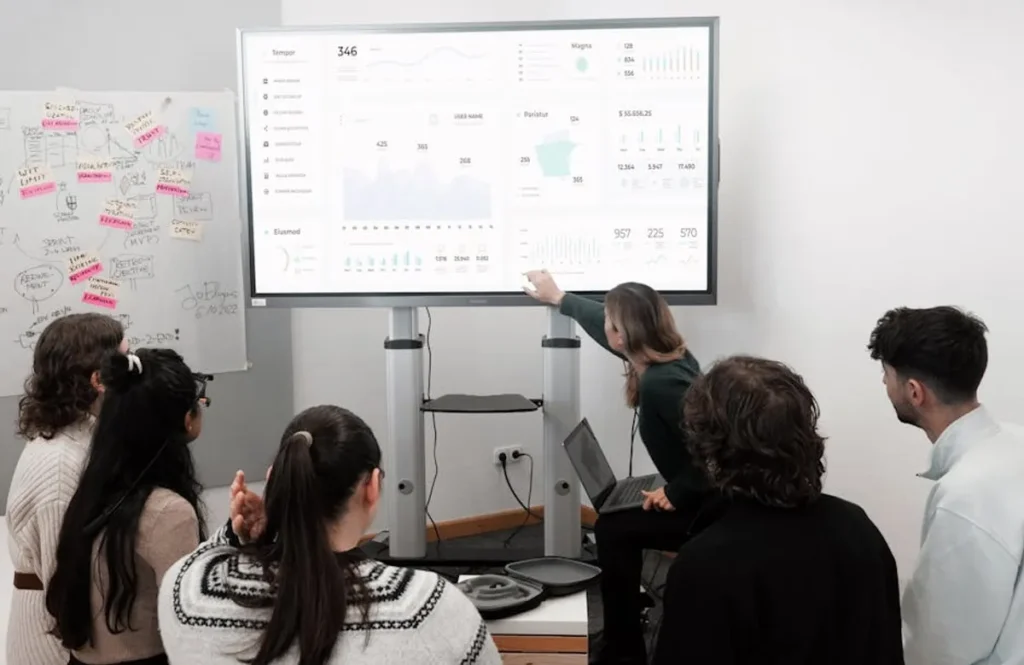
As a host, your screen displays a live feed of student movement, total money earned, and accuracy percentages. This is your command center for operational SEO-style decision-making. If you notice the "Total Wealth" is stagnating, the question set may be too difficult, or students are not utilizing the shop effectively.
Monitoring the "Accuracy" metric is more important than monitoring the "Balance" metric. A student with $1,000,000 and 60% accuracy is guessing; a student with $50,000 and 100% accuracy has mastered the content but hasn't mastered the game's economic multipliers. Use the mid-game pause feature to highlight these discrepancies. Explain that the "Power-ups" are the key to scaling their performance, much like optimizing a site's technical foundation before pushing for high-volume traffic.
Managing the "Thief" Power-up
The "Thief" power-up allows students to steal a percentage of another player's balance. In highly competitive classes, this can lead to friction. As the host, you have the authority to set "House Rules" before the game begins. Some teachers choose to ban the use of the Thief power-up to keep the environment purely focused on academic gain, while others use it to teach resilience and the volatility of competitive markets.
Post-Game Analytics and Data Export
The game doesn't end when the leaderboard freezes. The Gimkit host report provides a granular breakdown of performance that should inform your next lesson plan. This data is the "Search Console" of your classroom, showing you exactly where the "content gaps" exist.
Look specifically at the "Question Breakdown" section. If the entire class has a 30% accuracy rate on a specific question, the issue isn't student effort—it’s a failure of initial instruction or a poorly phrased question in the Kit. You can export these reports as CSV files to track progress over a semester, allowing you to see if retention improves as students encounter the same Kits multiple times.
Transitioning to Asynchronous Assignments
Hosting isn't limited to live, synchronous play. The "Assignments" feature allows you to set a "Target Cash" goal for students to reach at their own pace. This is an excellent tool for homework or for students who were absent during the live session. As a host, you can set a deadline and monitor completion rates through the same dashboard used for live games. This ensures that the "movement analysis" of your students' learning continues even when the classroom lights are off.
Refining Your Hosting Workflow
To run better games, treat every session as a data-gathering exercise. Start with a 5-minute "Classic" sprint to warm up the class, analyze the accuracy rates, and then pivot to a more complex 2D mode once the core concepts are understood. Varying the "Game Goal"—switching between "Time-Based" (e.g., 10 minutes) and "Race to the Finish" (e.g., first to $1,000,000)—prevents the experience from becoming predictable. By mastering the host dashboard, you move from being a facilitator to a strategist, ensuring that every minute of game time translates into measurable academic growth.
Frequently Asked Questions
How many students can I host in a single Gimkit game?
The free version of Gimkit (Gimkit Basic) typically supports up to 60 players per game. For larger groups or school-wide events, a Gimkit Pro subscription is required, which expands the capacity and provides access to all game modes year-round.
Can I edit a Kit while I am currently hosting it?
No, you cannot edit the questions or answers once a live game has started. Any edits made to the Kit in your library will only apply to future games. It is recommended to "Preview" your Kit and check for typos before hitting the "Play" button.
What is the best way to prevent students from sharing game codes?
If you are concerned about "gate-crashers" from outside your classroom, use the "Classes" feature. By importing your roster from Google Classroom or Clever, you can restrict access so that only authenticated students in your specific period can join the game, eliminating the need for a shared join code.
How do I handle a student who gets stuck or has a technical glitch?
If a student's device freezes, they can simply refresh their browser and re-enter the game code. Because Gimkit saves progress based on the student's name or account, they will usually be able to resume exactly where they left off with their balance and power-ups intact.